

Product Manuals
Technical specifications, dimensions, wiring and front-panel descriptions.
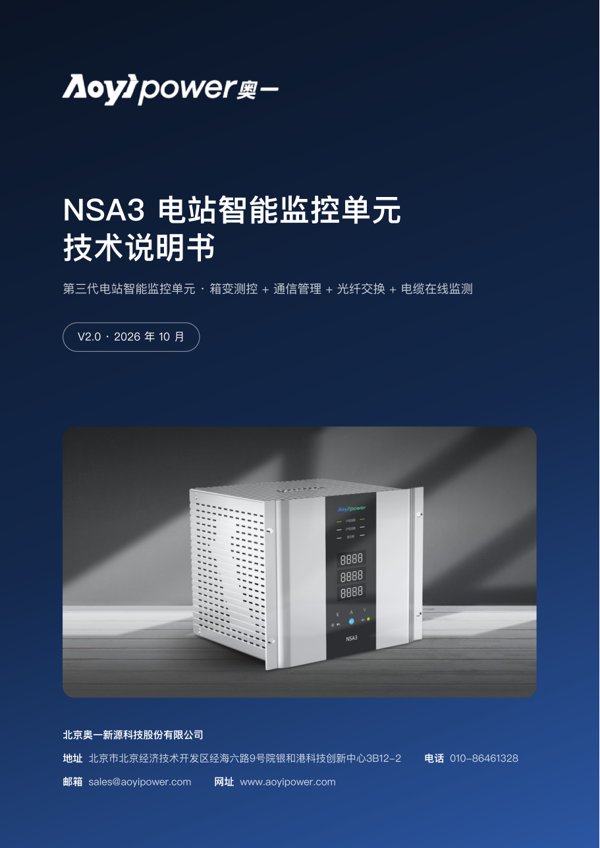
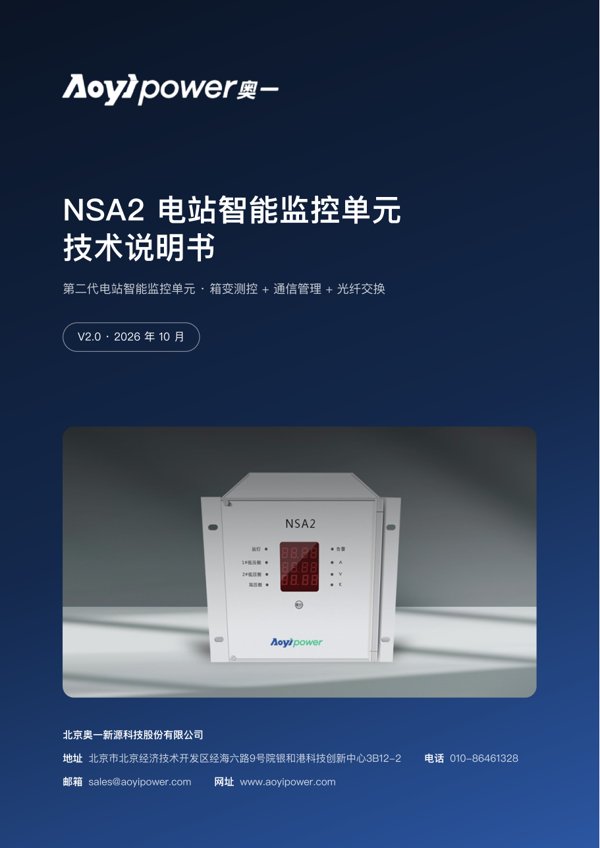
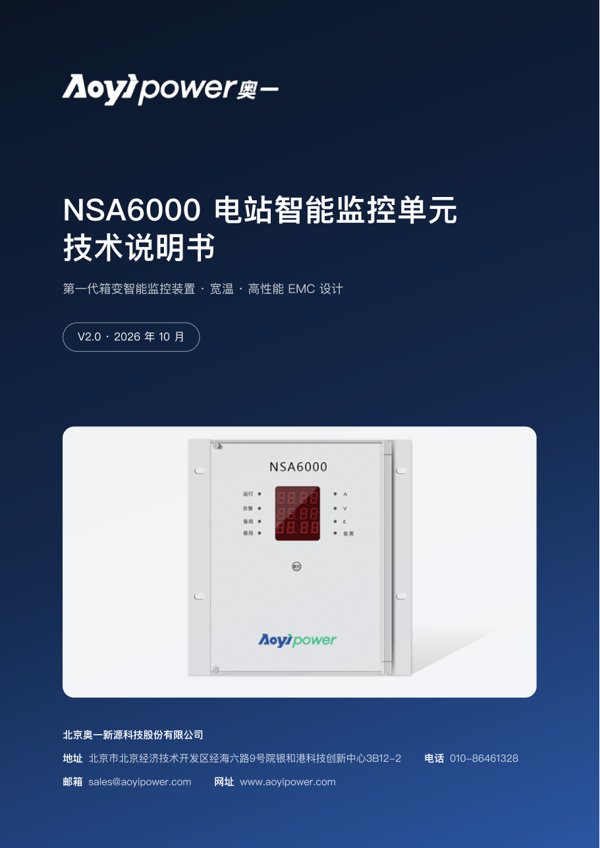
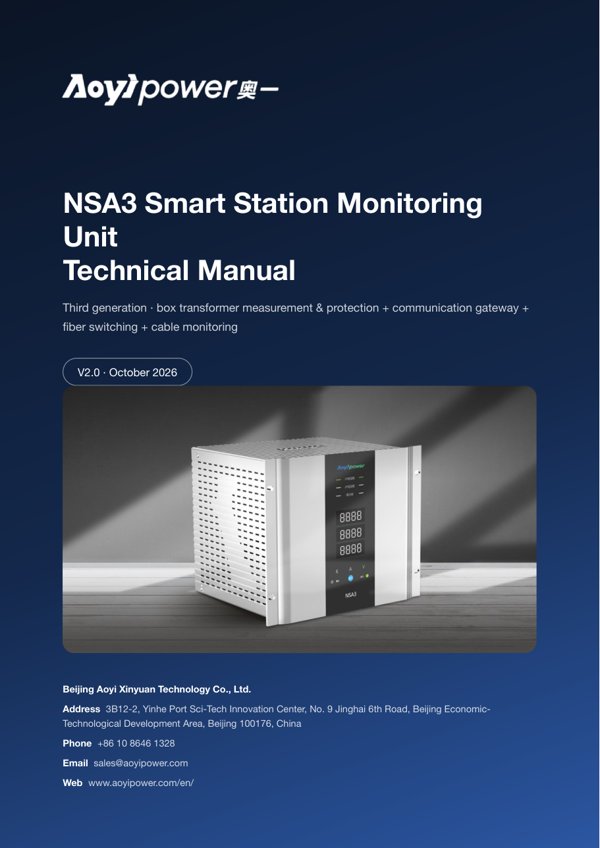
English Manuals
English-language technical manuals for overseas projects. More English resources are available on our product pages ›
Communication Protocols
Modbus communication protocols — message formats and register address maps for SCADA integration.
Configuration Software
Windows PC configuration and commissioning software for each model, with user instructions.
Troubleshooting
Use the symptoms below to identify which board to check or replace. First rule out external causes such as wiring errors or loose terminals; if in doubt, contact AOYI technical support at any time.
| Symptom | Check first |
|---|---|
| Communication lost with a single unit while other units communicate normally | Communication board |
| Box-type transformer data normal, but no communication with one or more downstream devices such as inverters or combiner boxes | Communication board |
| Front panel blank, rear terminal panel indicators off, communication lost | Power board |
| No data shown on the front-panel display; SCADA data not updating | Power board |
| No data at all shown in SCADA | Power board, fiber board |
| Communication lost with one or several adjacent units in the middle of the ring | Fiber board |
| No data or no updates in SCADA, while the front panel of the individual unit on site displays normally (units with optical ports) | Fiber board |
| Three-phase voltage unbalance, three-phase current unbalance, or both | CPU board |
| One or more voltage or current channels missing or reading abnormally | Analog input board or CPU board |
| Tele-signalling status (HV or LV circuit-breaker open/closed) does not match the actual state on site | Digital input board or CPU board |
| Remote control (remote open/close) not executed on one or more channels | Digital output board |
| Temperature in SCADA does not match the actual value on site | Digital output board, or the DC analog input terminals |
For project-specific configuration files or documentation on other communication protocols, call +86 10 8646 1328 or email sales@aoyipower.com.